Protect what matters. Track devices. Recover what's taken.

Download

Get the NorbiTracka Android app

Android is live via sideload today. Google Play and iOS listings are not published yet — we do not pretend otherwise.

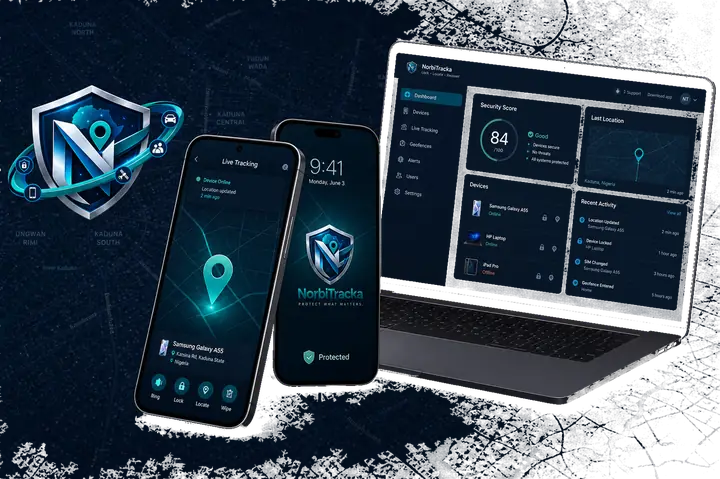
NorbiTracka on phone and portal

Android

Available now

Install the release APK on your phone. Same account as portal.norbitracka.com. Package: com.norbitracka.norbitracka.

Direct file: https://norbitracka.com/downloads/norbitracka.apk. If a download looks huge or stuck, cancel it and use this link once — the package is ~93 MB, not gigabytes.

By installing you agree to our Terms and Privacy Policy. See also permissions and Device Admin disclosures.

Google Play listing — coming soon. Sideload is the supported path today.

  1. 1Create a free account on the web portal (or sign in if you already have one).
  2. 2Download the Android APK below and allow installs from your browser or file manager.
  3. 3Open NorbiTracka, sign in with the same email and password, then enrol this phone.
  4. 4Grant location, notification and device-admin permissions when prompted — they power lock, locate and SOS.
iOS

Not available

App Store listing is not live. Use the web portal for lock and locate on enrolled Android devices.

Play Protect blocks install?

Android may say the app can request sensitive data (location, device admin) and only offer Learn more. That is Google Play Protect, not a corrupt download.

  1. Open Play Store → profile → Play Protect → Settings and turn off Scan apps with Play Protect temporarily.
  2. Install the APK from Files (not the browser preview), then turn scanning back on.
  3. Allow Install unknown apps for Files / your browser under Android settings.

Still blocked with no Install option? Email info@norbitracka.com — we are moving downloads to a production-signed APK so Play Protect stops hard-blocking.

NorbiTracka Android UI