Command centre

Your command centre on the web

Lock, locate, and recover from portal.norbitracka.com with the same login as the app.

Owner portal — command centre

Open portal.norbitracka.com (or /portal/ on the main site) with the same login. Use the portal when a phone is missing or you are at a desk.

Work left-to-right: Dashboard for status → Devices for detail → Map / Recovery when something goes wrong → Billing and Security for account health.

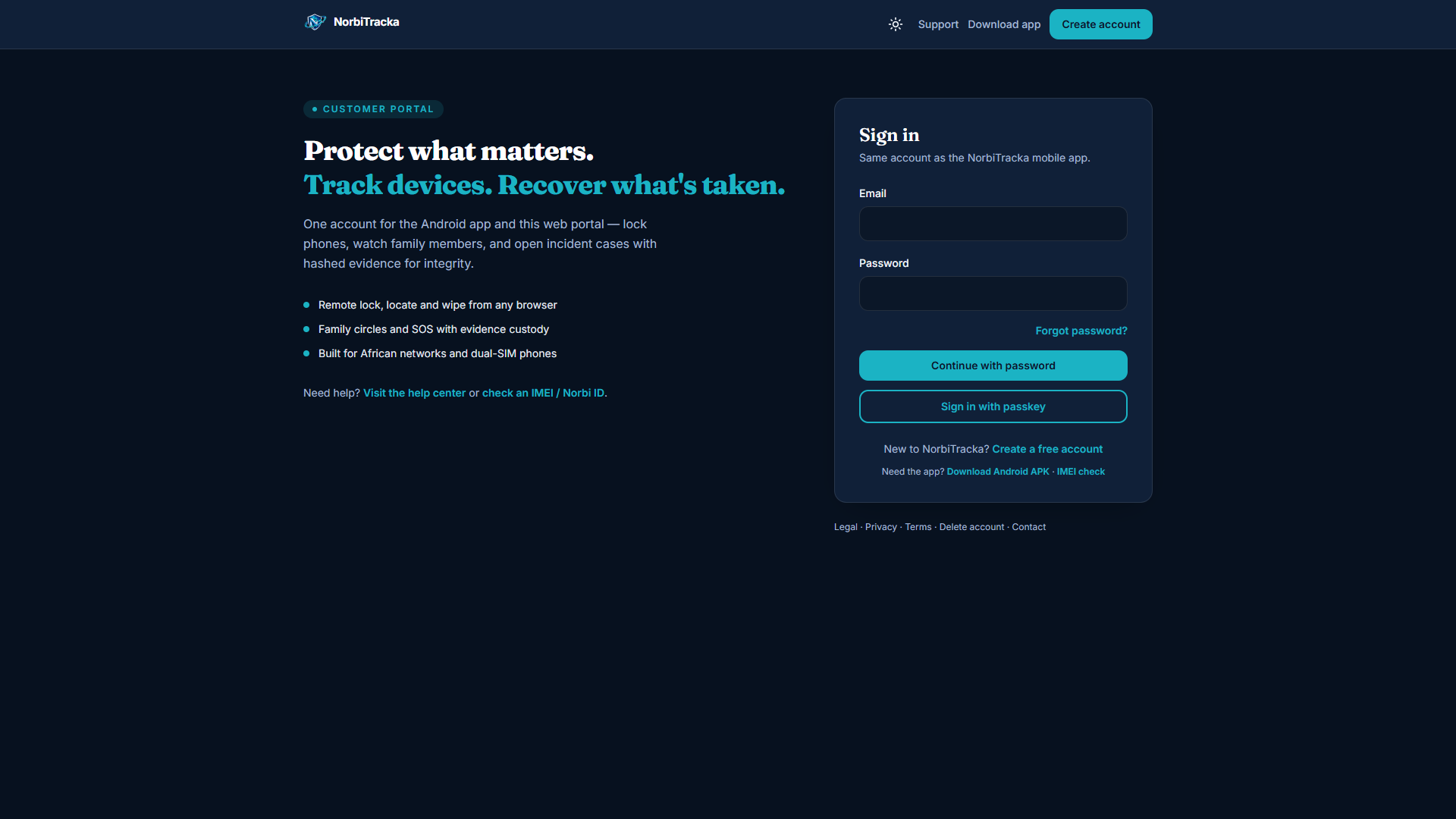
  • Login — same email/password as the app; enable MFA when ready
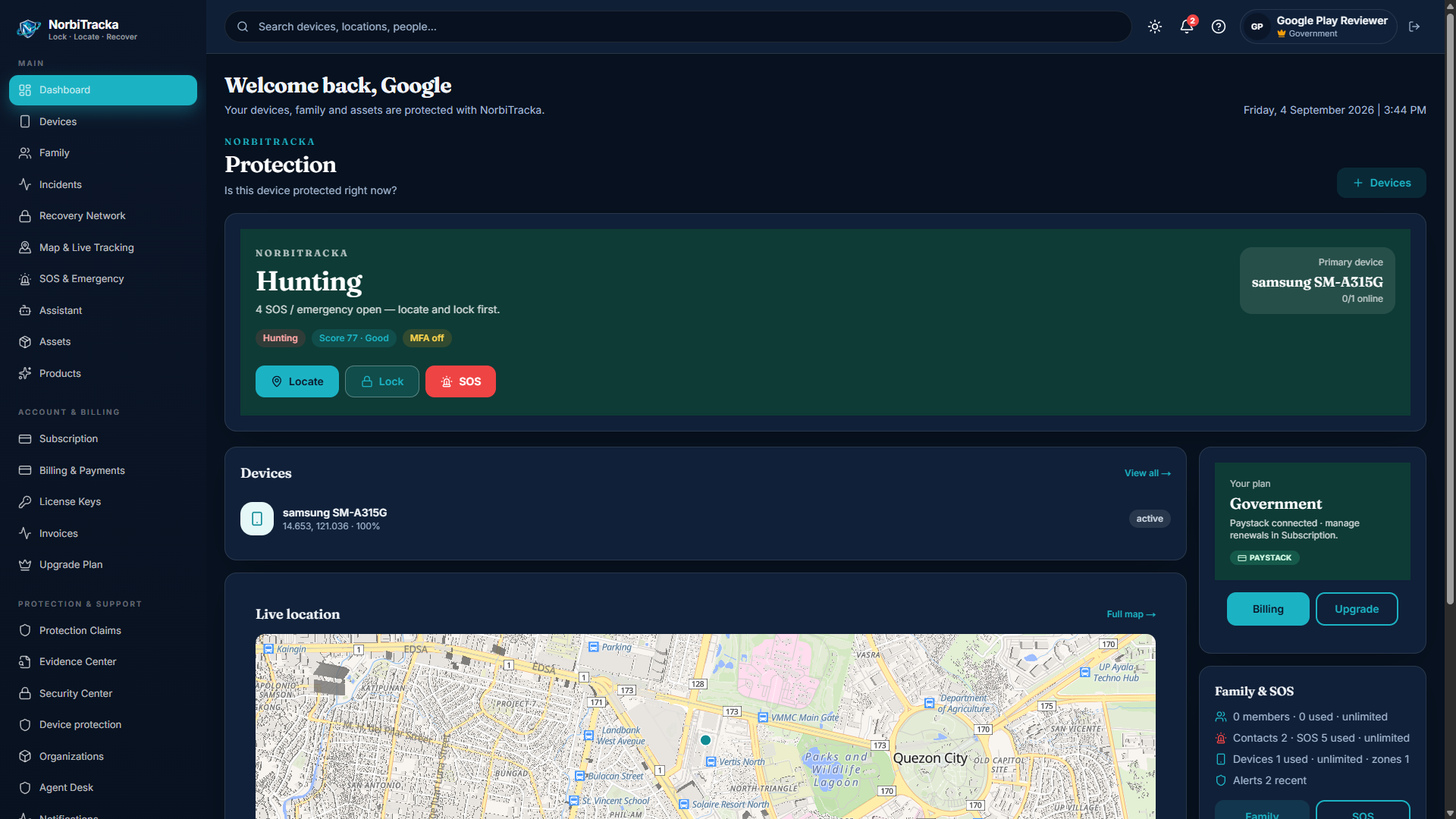
  • Dashboard — protection status, quick lock / locate / ring, recent incidents
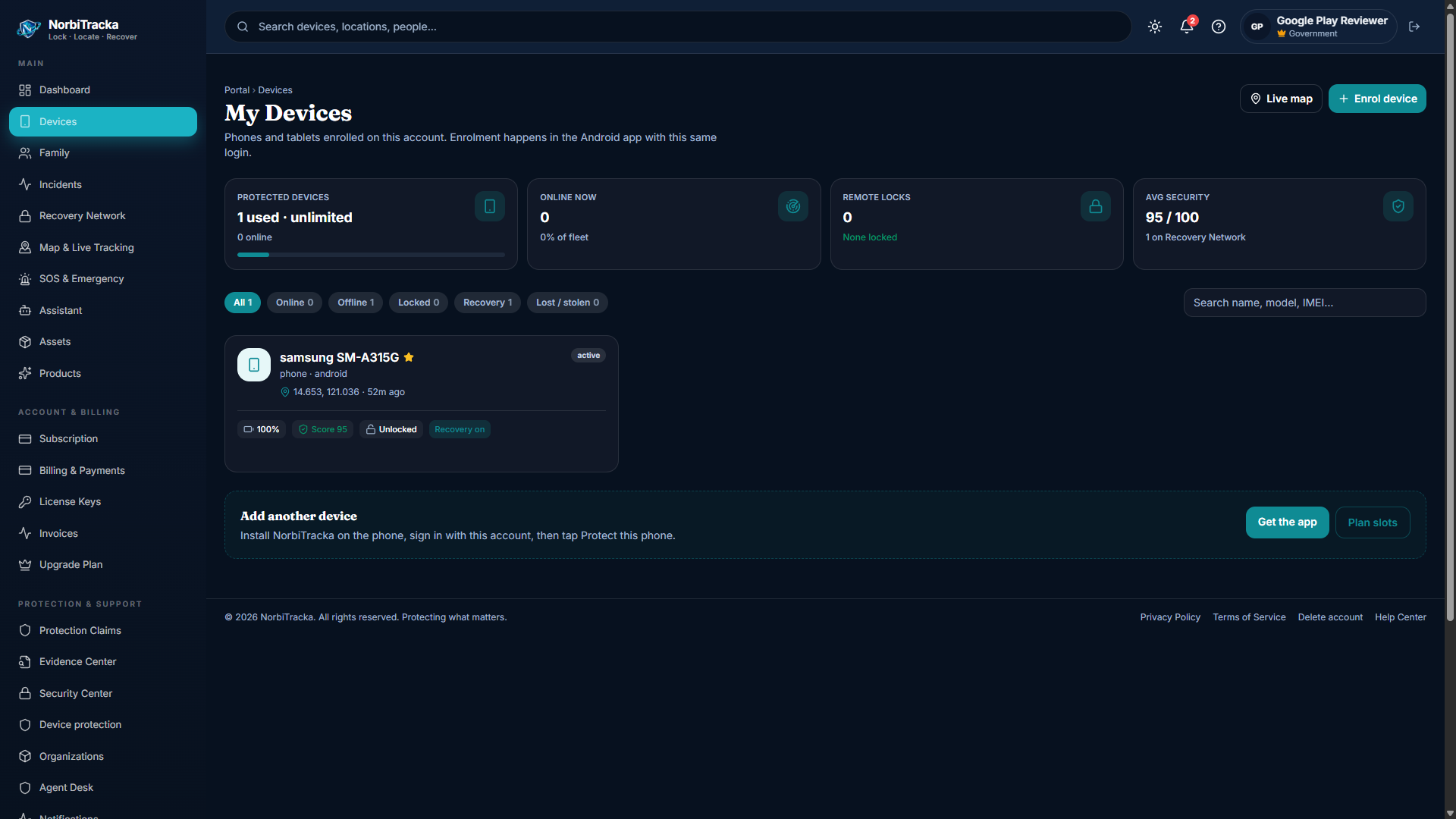
  • Devices — list, detail, command history, trusted contacts
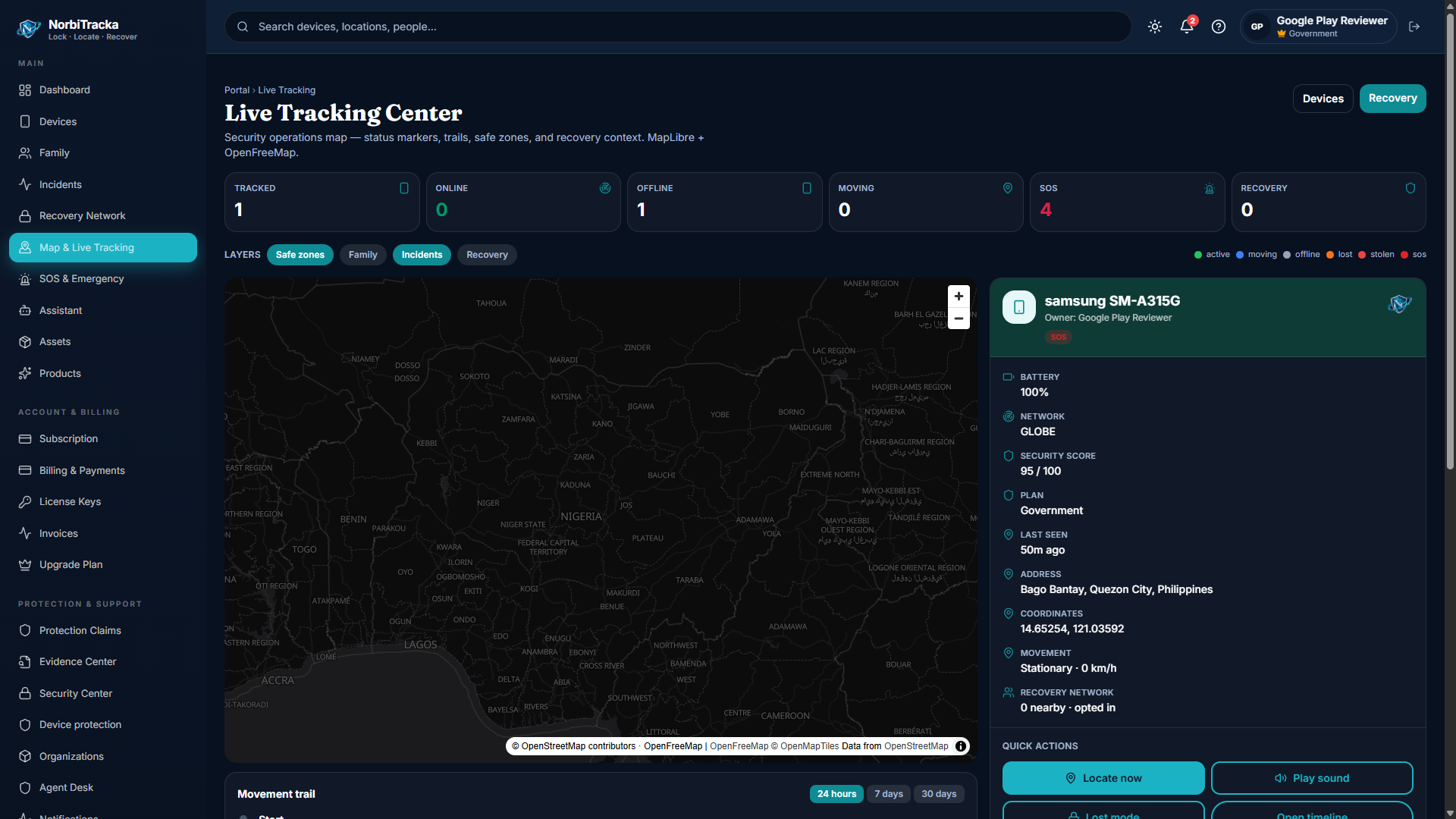
  • Map — last-known pins (private tiles; not Google Maps on family view)
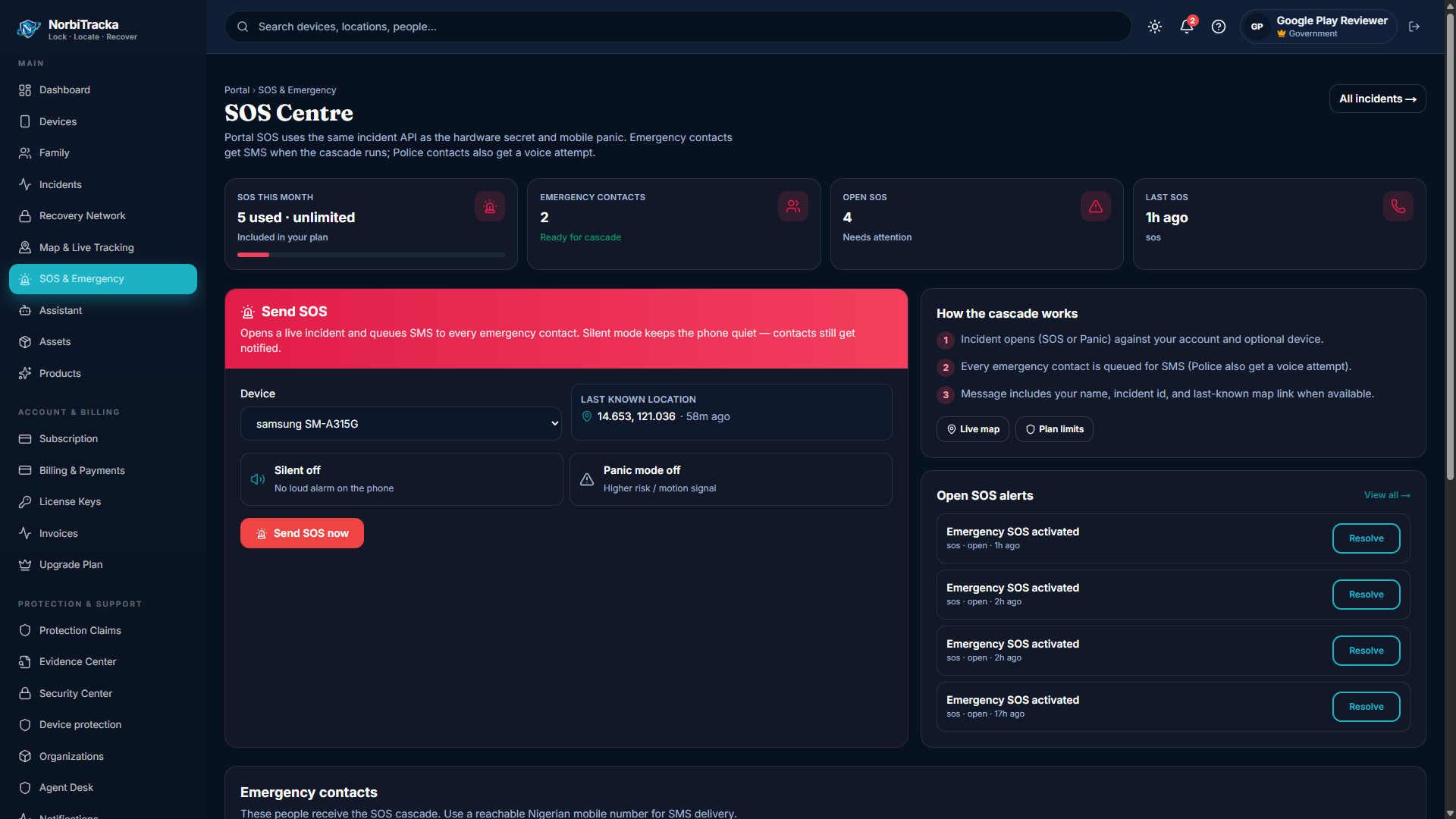
  • SOS — send or review SOS / panic events and resolve open alerts
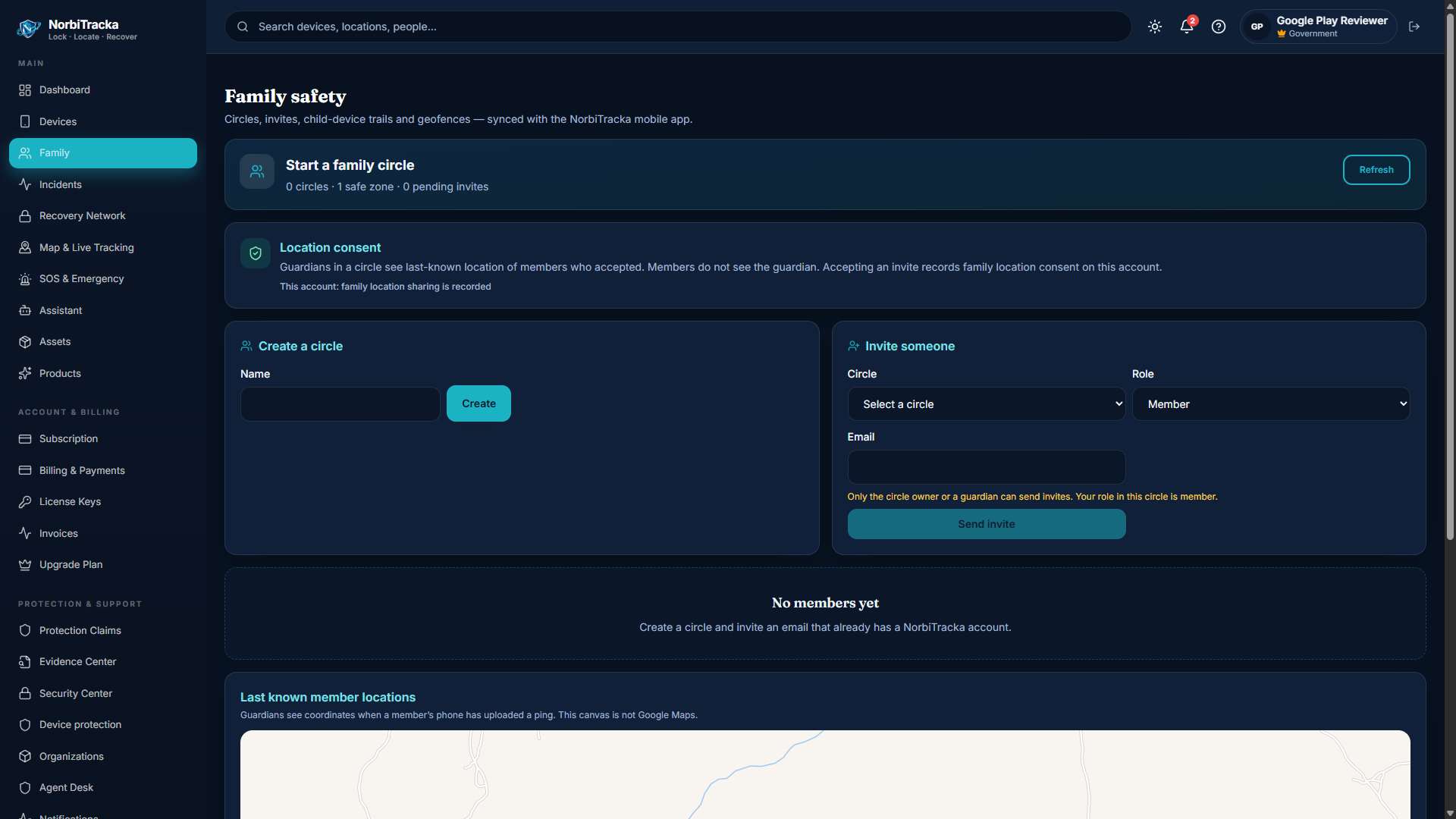
  • Family — circles, invites, safe zones (consent-first)
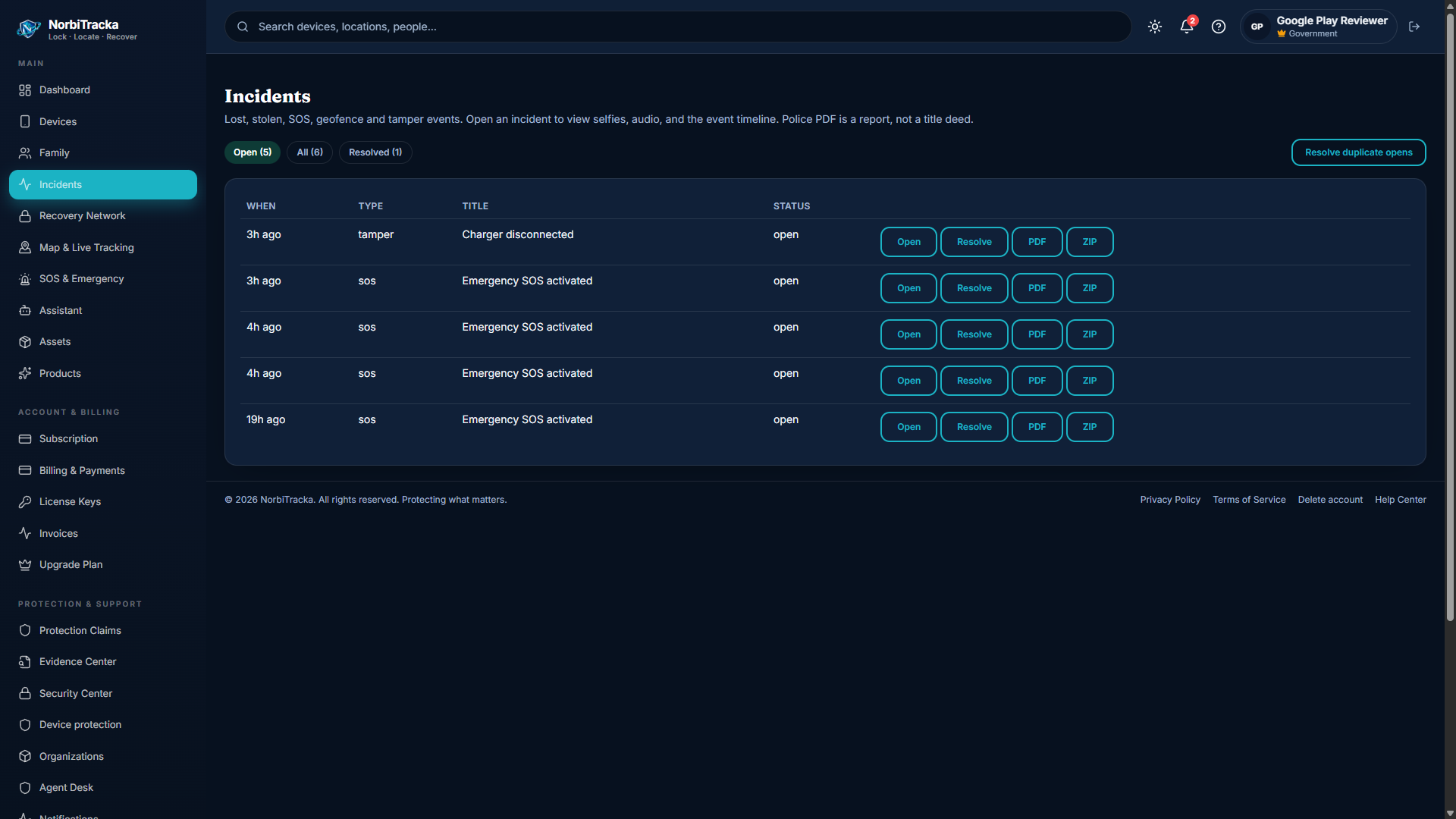
  • Incidents — theft, SOS, tamper, geofence, and related case types
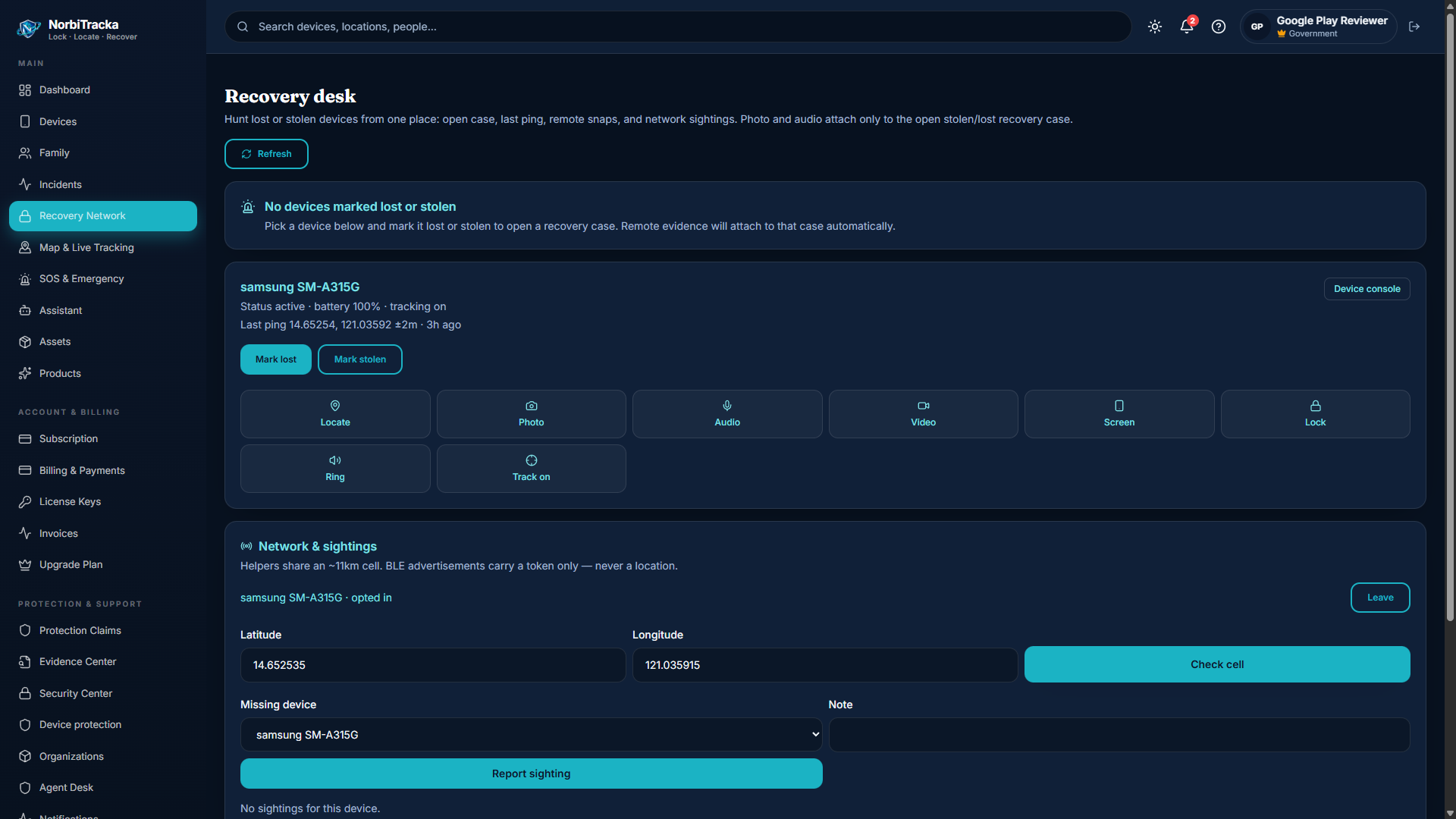
  • Recovery — locate, capture, lock, ring, track, sightings, evidence in one console
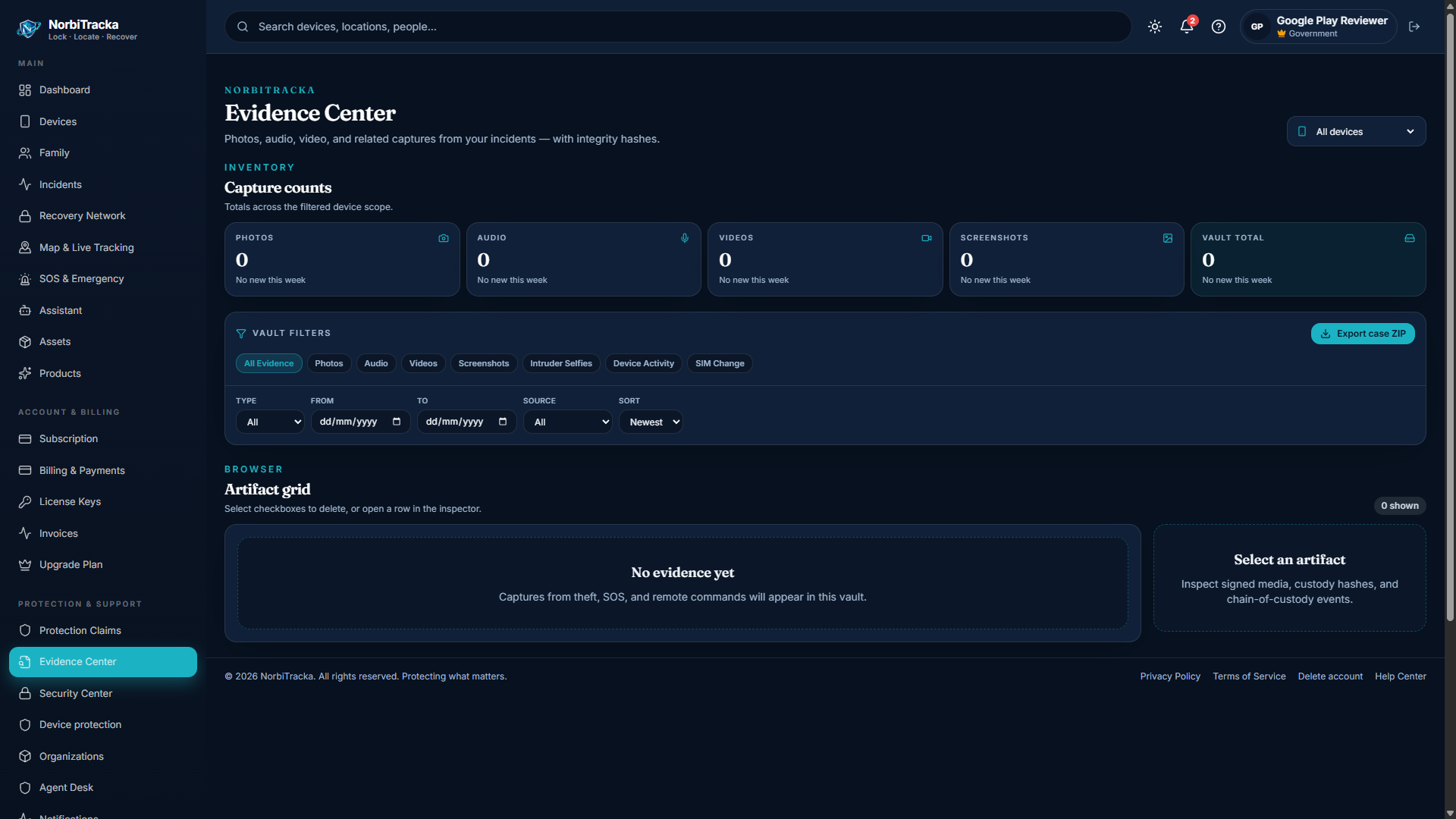
  • Evidence Center — filter artifacts, verify SHA-256 hashes, export custody chain
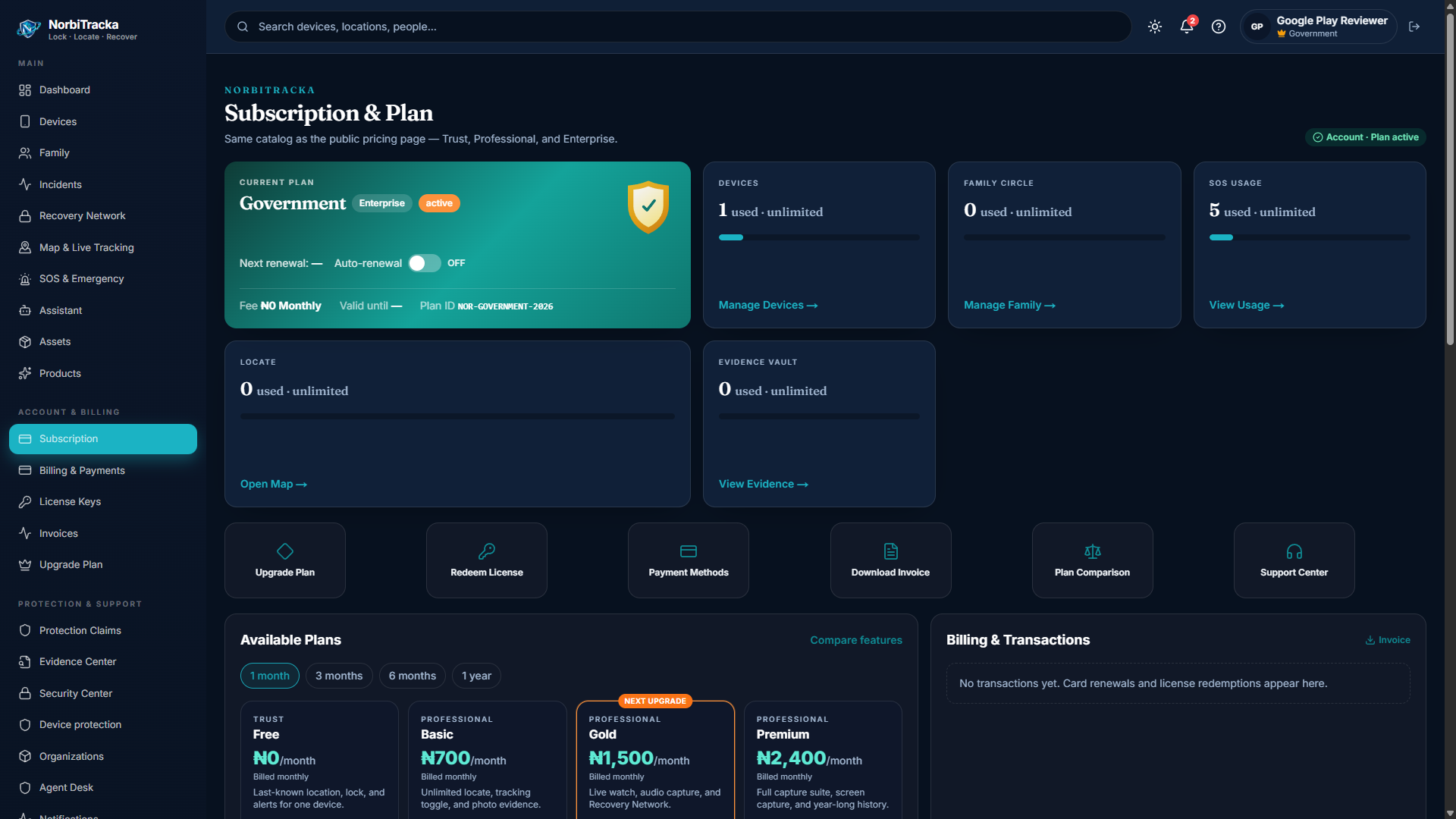
  • Subscription / Billing — plan, usage meters, Paystack checkout, license redeem
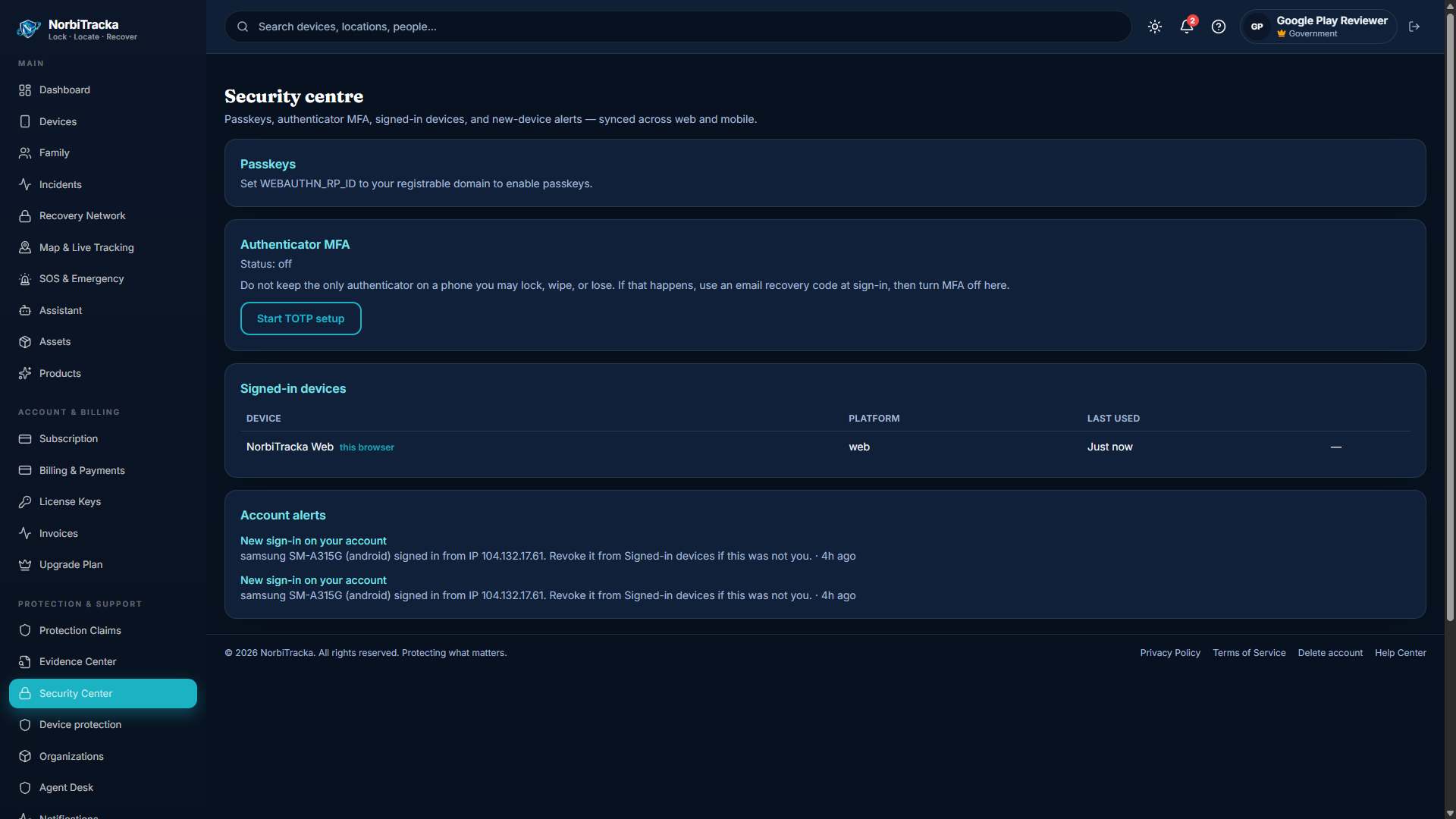
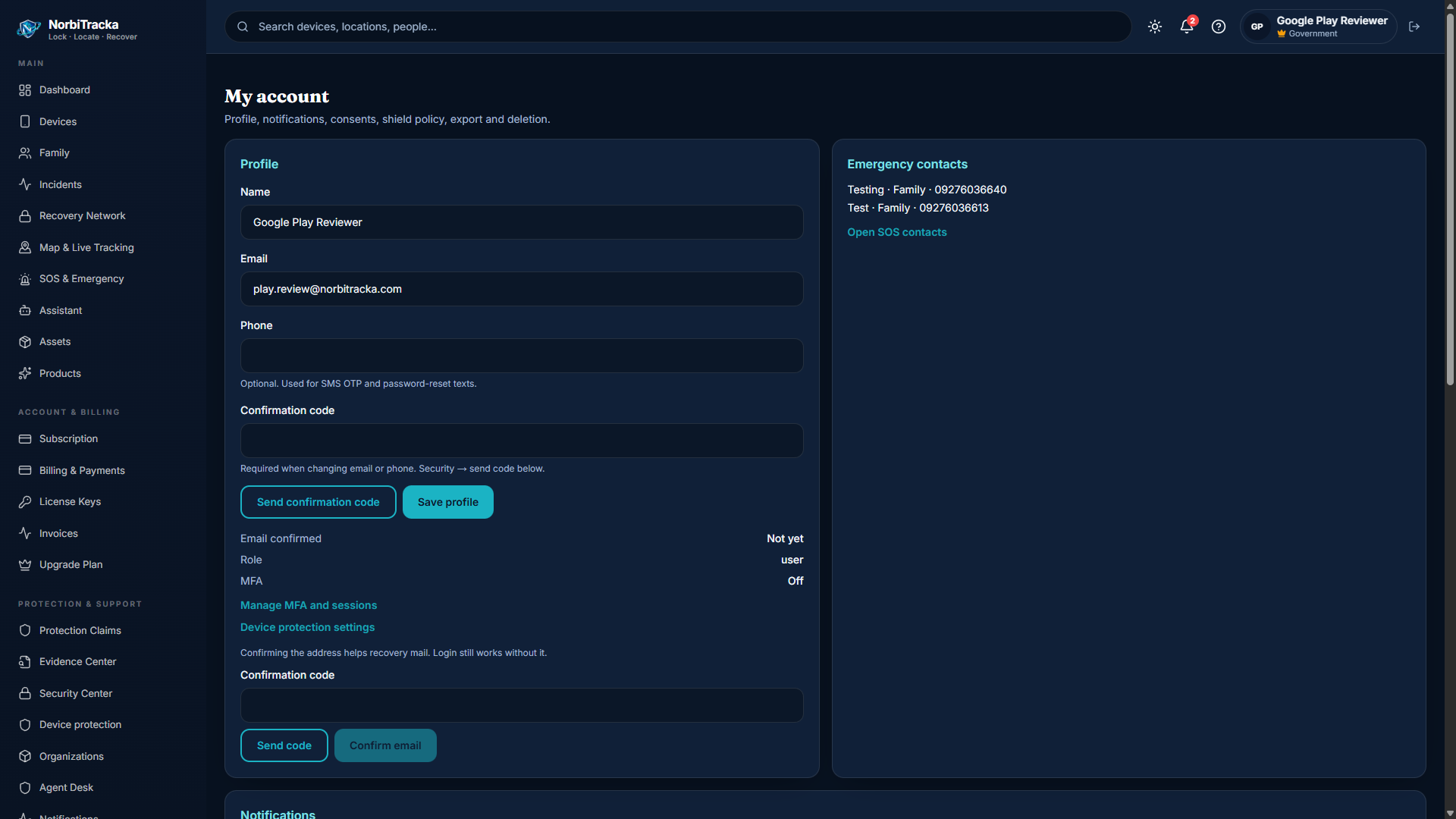
  • Security — MFA, passkeys, sessions; Settings — profile, notifications, consents
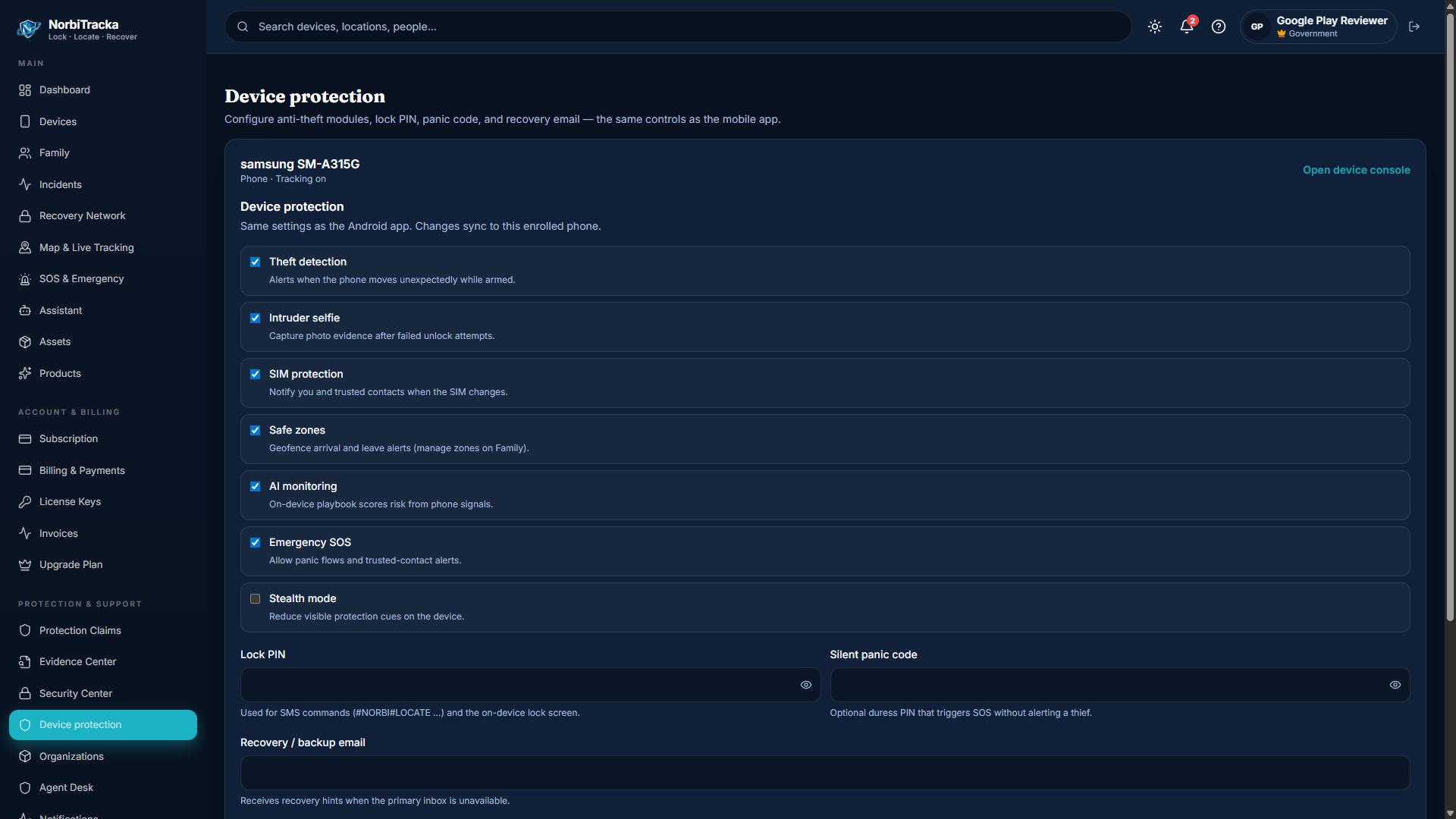
  • Device protection — per-device hunting status and quick actions
NorbiTracka portal login
Portal sign-in — same account as the Android app.
Owner portal dashboard
Dashboard — status and quick remote actions at a glance.

Portal — devices, map, family, SOS

Devices holds enrolment detail and command history. Map shows last-known pins when the phone has reported recently. Family sharing starts only after the invitee accepts.

  • Devices → open a phone → run Locate, Lock, or Ring
  • Map → enable live tracking when your plan includes live watch minutes
  • Family → create circle → invite by email → member accepts on their device
  • Safe zones (geofences) fire enter/exit alerts you configure
  • SOS Centre → send SOS for a device, manage emergency contacts, resolve open alerts
Portal devices list
Devices — enrolled phones, status, and entry to commands.
Portal live map tracking
Map — last-known and live pins for enrolled devices.
Portal family safety page
Family — circles, invites, and safe zones after members accept.
Portal SOS centre
SOS Centre — cascade contacts and resolve open emergency alerts.

Portal — incidents, recovery, evidence, billing

Open an incident when a device is lost, stolen, or SOS fires. Recovery is the full console; Evidence Center verifies and exports artifacts. Subscription shows plan limits and Paystack checkout.

  • Incident types: theft, SOS, panic, tamper, geofence, missing child, unauthorized access
  • Mark lost / stolen on Recovery to open the desk, then Locate → Lock → Ring → capture
  • Evidence artifacts use SHA-256 hashes — verify in Evidence Center
  • Ownership proof chain uses local_hash_chain notary — check at /check/
  • Protection claims submit case files for review — not cash insurance payouts
Portal incidents list
Incidents — open cases for SOS, theft, tamper, and more.
Portal recovery console
Recovery — locate, lock, ring, track, and evidence in one place.
Portal Evidence Center
Evidence Center — verify hashes and export custody chain.
Portal subscription and billing
Subscription — plan, usage meters, Paystack, license redeem.
Portal — security, settings, device protection

Harden the account before you need it. Review sessions, turn on MFA, and confirm each phone’s protection status.

  • Security — MFA (TOTP), passkeys when enabled, session revoke
  • Settings — profile, notifications, consents, data export, account deletion
  • Device protection — anti-theft modules, Lock PIN, panic code, recovery email
Portal security settings
Security — MFA, sessions, and account alerts.
Portal account settings
Settings — profile, emergency contacts, notifications, consents.
Portal device protection modules
Device protection — anti-theft modules, Lock PIN, panic code, recovery email (same as the app).