Help

Fix common blocks fast

No pin, stuck commands, Device Admin, billing, and family invites — plus how to reach support.

Troubleshooting

Most “no pin” or “command stuck” issues are offline phones, battery optimisation, or plan limits — check device detail and command history first.

  • No location pin — offline, tracking off, battery dead, or locate quota used up
  • Command pending — wait for next heartbeat; exempt battery optimisation
  • Cannot disable Device Admin — use Lock PIN or fingerprint in Settings → Device Admin
  • Paystack payment stuck — check email receipt; contact support with reference ID
  • Family invite missing — invitee must sign in with the invited email
  • APK install blocked — enable install from browser/file manager for this source only
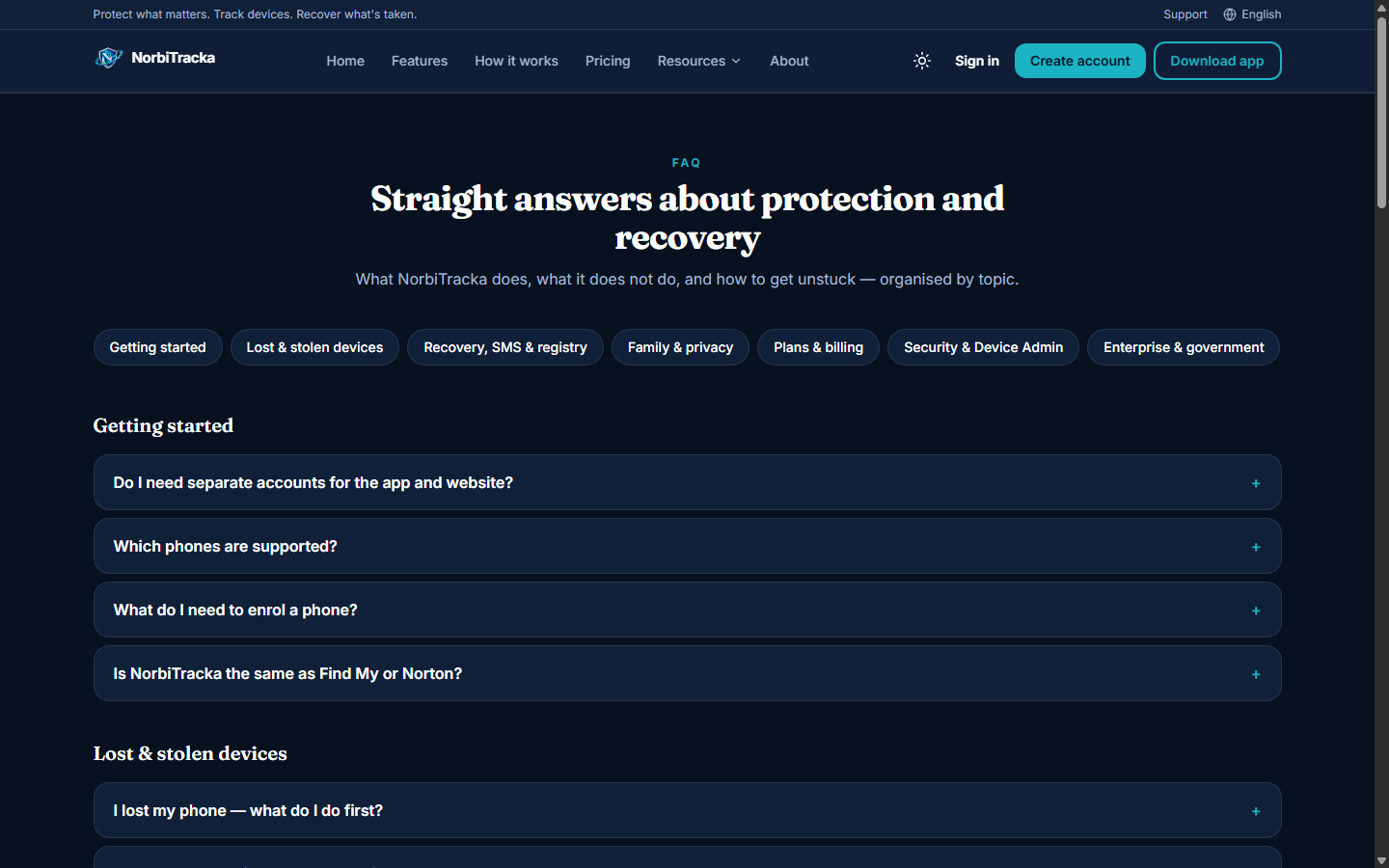
NorbiTracka FAQ page
FAQ — common blocks for locate, SMS, billing, and Device Admin.
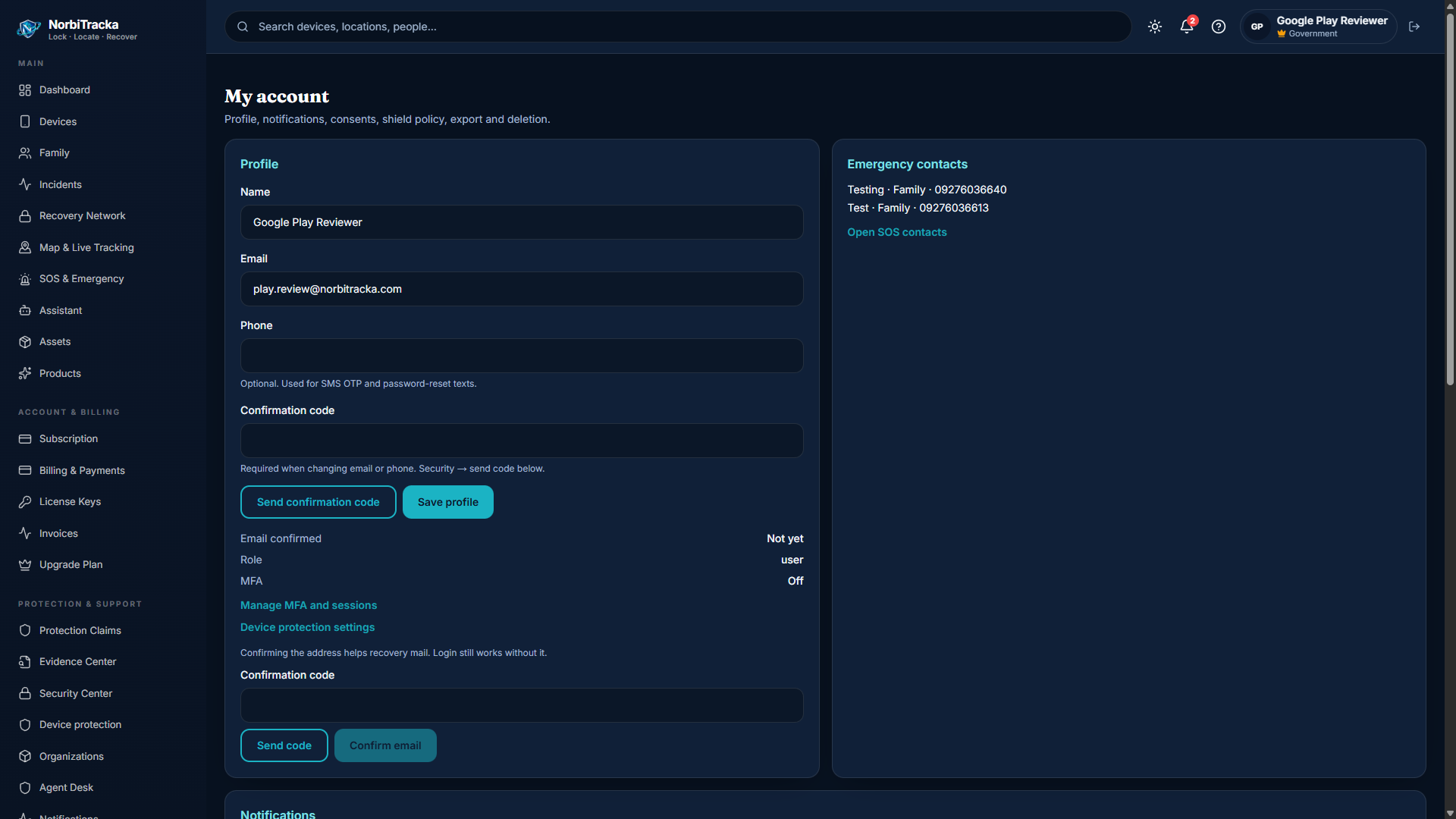
Portal settings
Settings — confirm notifications, consents, and profile details.

Where to get help

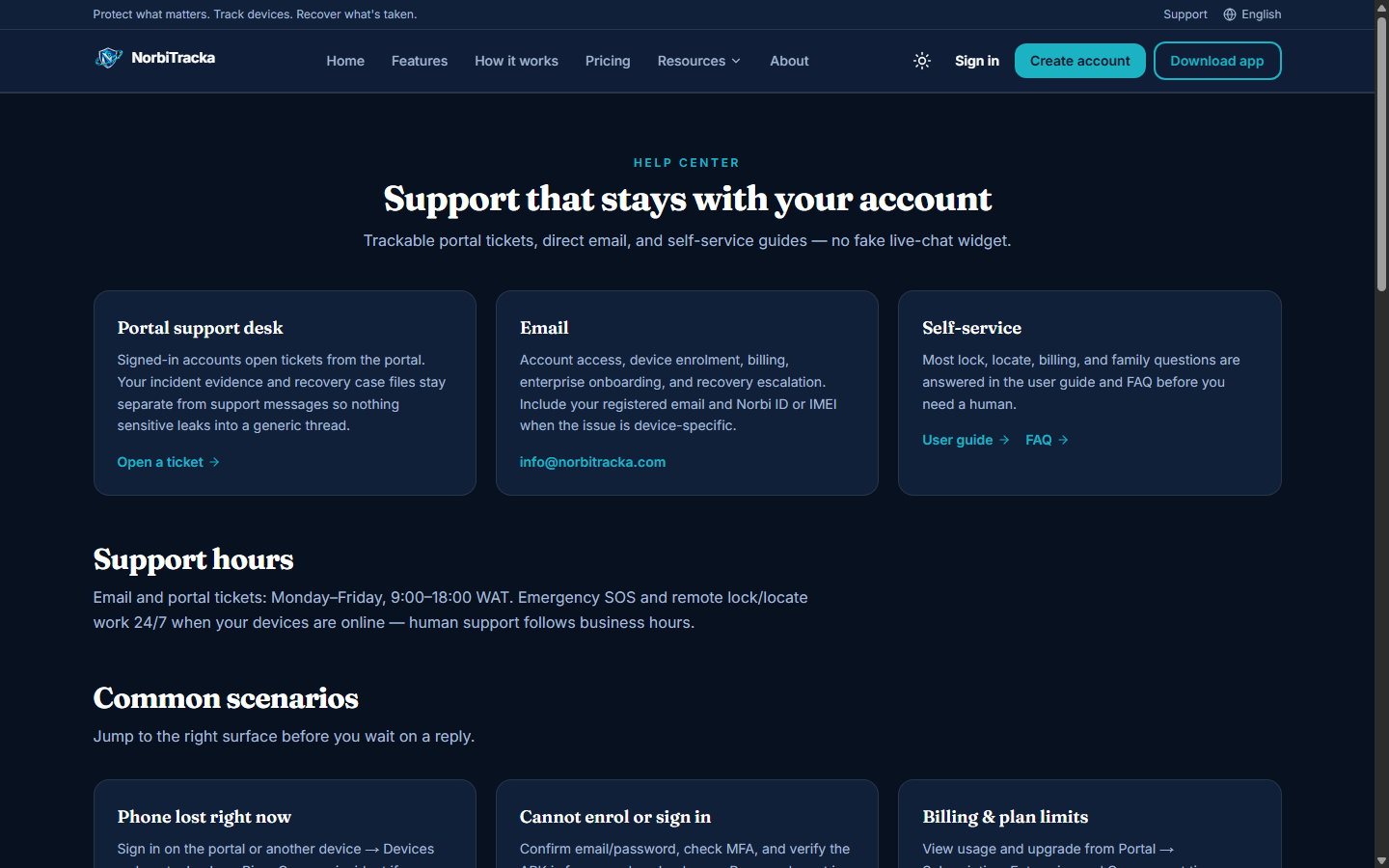
Start with FAQ and this guide. For account or billing issues, use the support form or email — include your account email, device label or Norbi ID, and any Paystack reference.

  • Support form → /support/
  • Email → info@norbitracka.com
  • Hours → Monday–Friday, 9:00–18:00 WAT
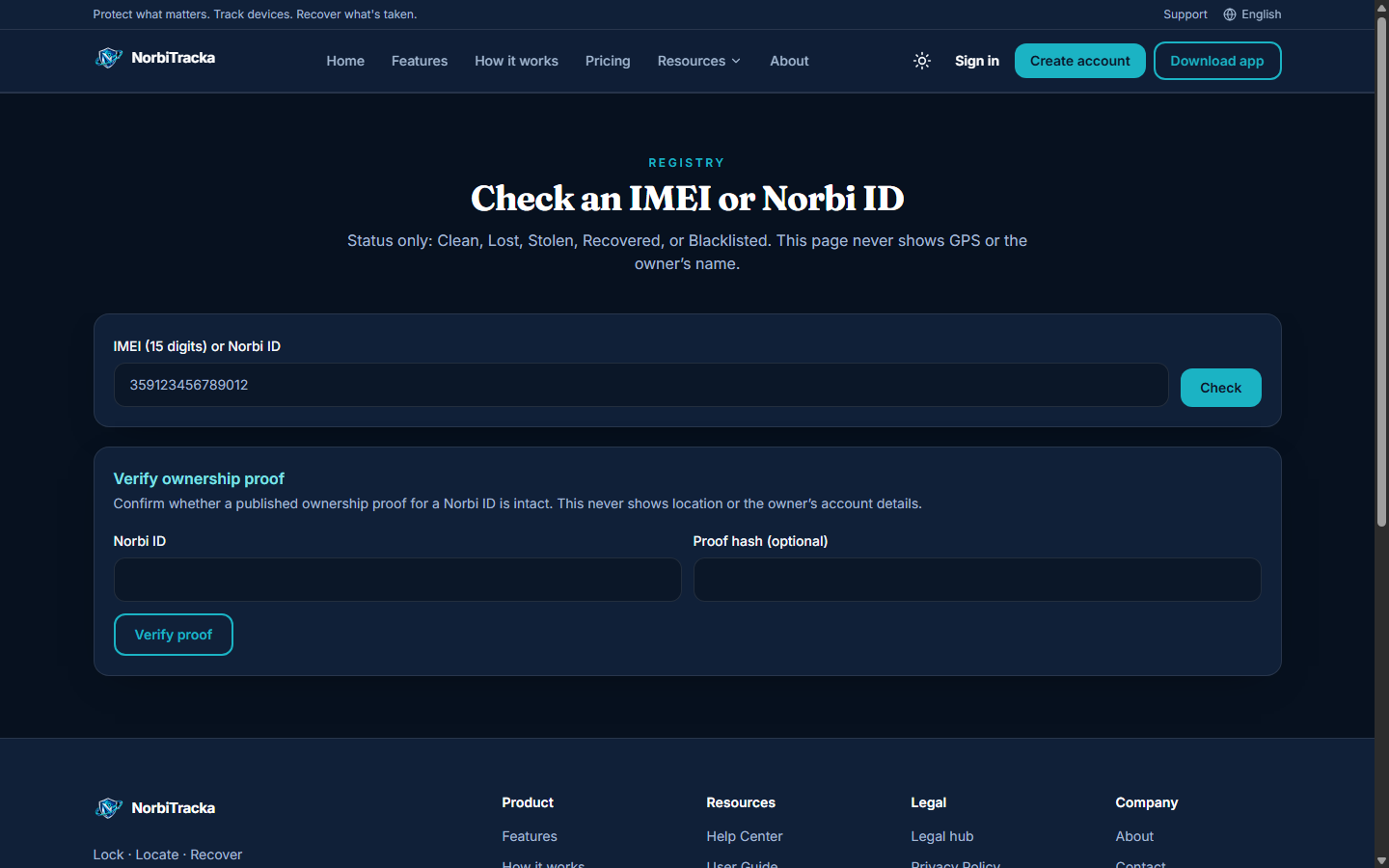
  • IMEI / ownership check → /check/
  • Delete account → /delete-account/ (14-day grace unless blocked by open incident or legal hold)
NorbiTracka support page
Support — form, email, and hours in WAT.
Public IMEI and ownership check
Public check — IMEI / Norbi ID status without owner GPS or email.