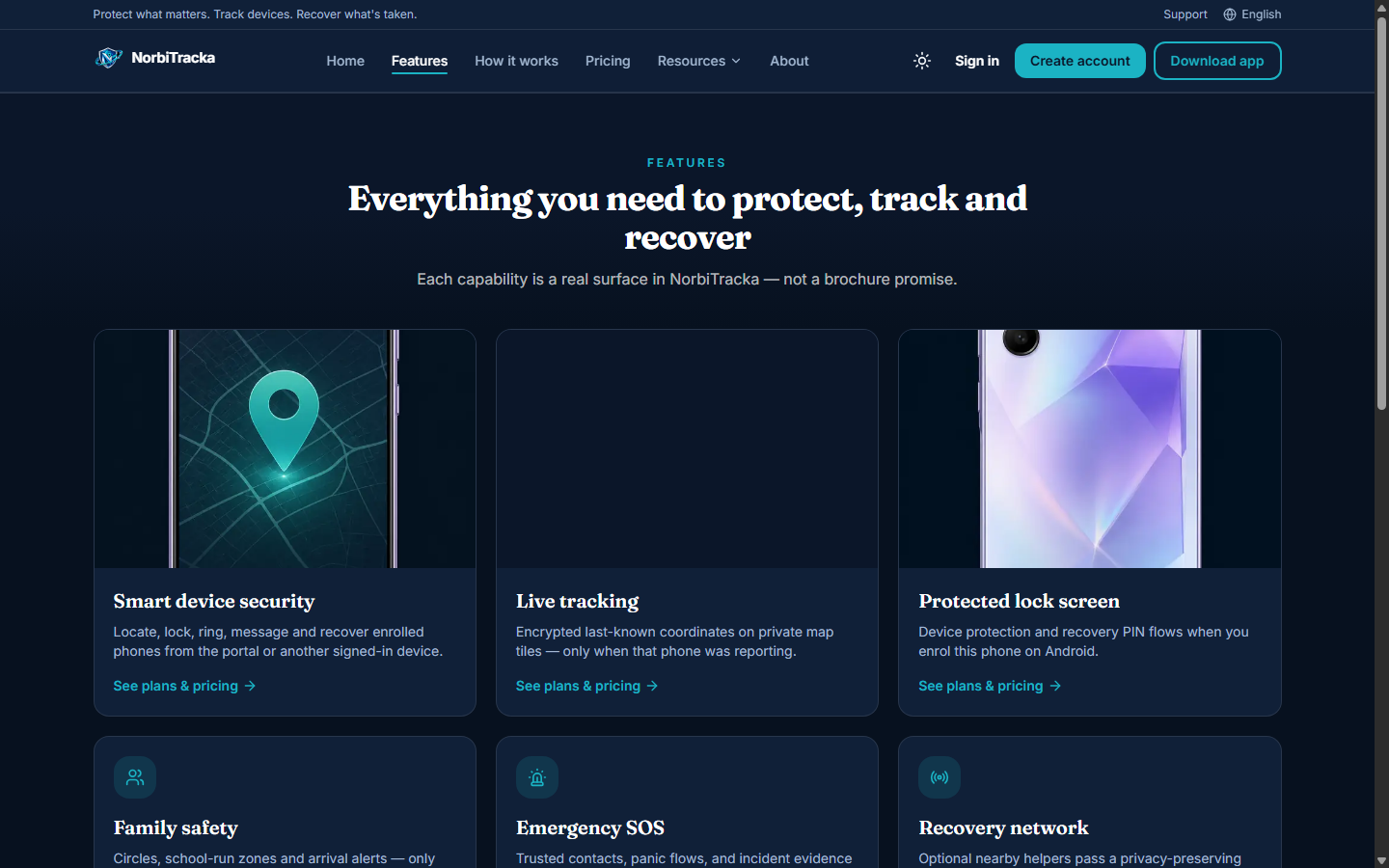
Remote commands & lost-phone playbook
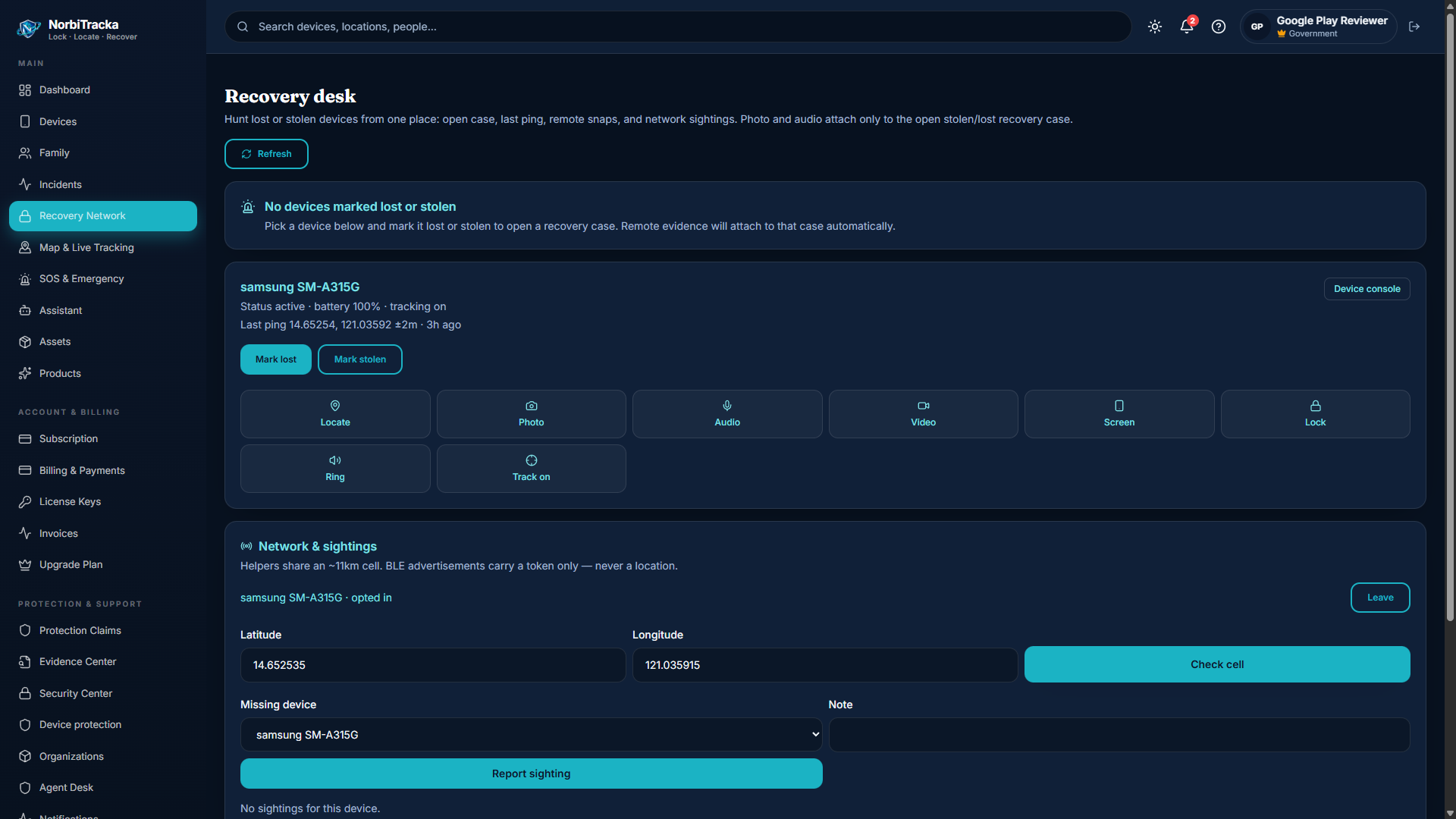
Issue commands from the portal or another signed-in device. The target must be online or will pick up the command on the next heartbeat.
Lost or stolen? Sign in on another device or the portal first — do not wait for the missing phone’s screen.
- Playbook: Locate → Lock → Ring → open incident → alert trusted contacts → capture (plan-gated) → wipe only if recovery is unlikely
- lock / unlock — protection overlay
- ring — audible alert
- locate — last-known coordinates
- enable_tracking / disable_tracking — continuous location while enabled
- capture_photo, capture_audio, capture_video, capture_screen — plan-gated evidence
- display_message — show owner message on lock screen
- wipe — factory reset (irreversible)
We do not file police reports for you. Attach evidence, alert contacts, and use public registry status if buyers ask. Live watch minutes and capture quotas depend on your plan.